Building a Minimal CMS with the Conimo Framework
Conimo is the official full-stack web framework for Coni. It brings together the blazing-fast WASM frontend capabilities and the robust backend server environment into a cohesive, streamlined developer experience.
Recently, we’ve vastly improved the developer experience by embedding the core Conimo CLI scripts directly into the bin directory of the conimo library. This means you don’t need external setup scripts—everything is powered by native Coni code.
In this guide, we’ll walk through scaffolding a new application, running the local development server, and quickly building a minimal Content Management System (CMS) utilizing the powerful patom database.
1. Scaffolding with create
To get started, we use the embedded conimo create command. Conimo provides a variety of built-in templates ranging from minimal SSR setups to full realtime WebSocket architectures and even native AI chat apps.
For a CMS, we want persistence. The csv-store template is perfect for this, as it leverages the robust CSV file database via patom.
Run the following command to scaffold your project:
coni conimo create my-cms --template csv-store
The scaffolding script will instantly generate a full-stack directory structure:
backend/: Your backend HTTP/WebSocket server.frontend/: Your WASM-compiled frontend code.coni.edn: Project configuration, automatically injected with the current compiler path to ensure native WASM builds work seamlessly.
2. Running the Dev Server
Once your project is created, starting the development environment is as simple as running the conimo dev command.
cd my-cms
coni conimo dev
Under the hood, the Conimo dev server:
- Spawns a background WASM compilation process for your
frontend/code. - Waits until
main.wasmand necessary JS bridges are fully compiled. - Automatically boots up your
backend/main.coniserver.
You now have a live full-stack environment where your backend server and WASM frontend are seamlessly connected.
3. Writing the CMS
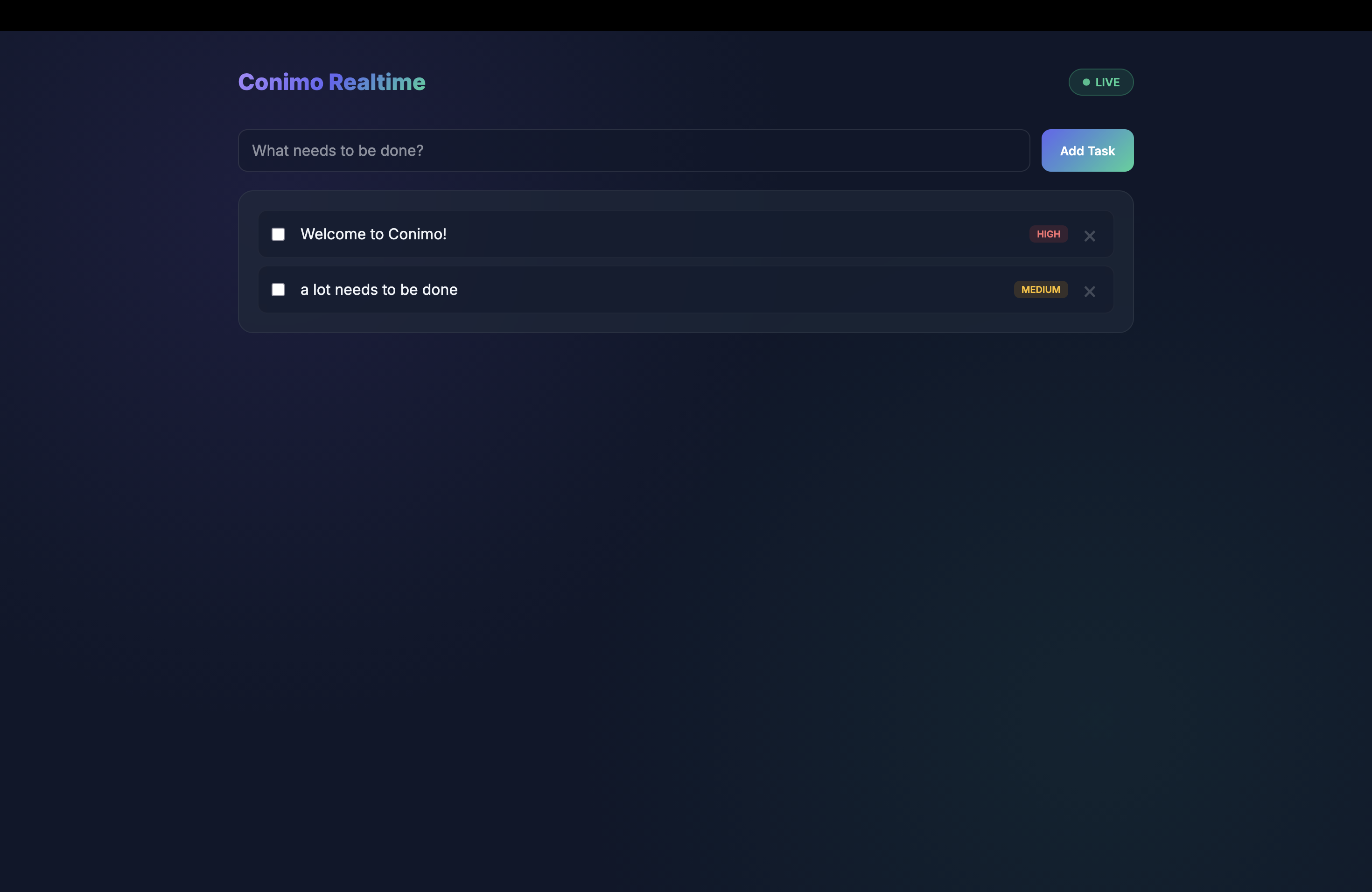
With the csv-store template, building a CMS is incredibly fast. The backend is already wired to use patom, Coni’s persistent atomic state management system.
Here’s how you can define a minimal CMS backend to manage “Posts”:
;; backend/main.coni
(require "libs/http/src/server.coni" :as http)
(require "libs/patom/src/core.coni" :as patom)

;; Initialize a persistent CSV-backed atom
(def *db* (patom/create-store "cms_data.csv" []))

(defn handle-get-posts [req]
  (http/json-response @*db*))

(defn handle-create-post [req]
  (let [body (http/parse-json (:body req))
        new-post {:id (rand-int 10000)
                  :title (:title body)
                  :content (:content body)}]
    ;; Atomically swap state and persist to CSV
    (patom/swap! *db* conj new-post)
    (http/json-response new-post)))

(defn start-server []
  (let [mux (http/serve-mux)]
    (http/handle mux "GET /api/posts" handle-get-posts)
    (http/handle mux "POST /api/posts" handle-create-post)

    (println "CMS API running on port 8080")
    (http/listen-and-serve ":8080" mux)))

(start-server)
In just a few lines of code, you have a fully functional JSON API backed by a persistent CSV store.
4. The Frontend
On the frontend, you can use Coni’s reframe_wasm library to fetch and render these posts natively in the browser:
;; frontend/main.coni
(require "libs/reframe/src/core.coni" :as rf)
(require "libs/http/src/client.coni" :as client)

(rf/reg-event-fx :fetch-posts
  (fn [_ _]
    (let [res (client/get "/api/posts")]
      {:dispatch [:set-posts (:body res)]})))

(rf/reg-event-db :set-posts
  (fn [db [_ posts]]
    (assoc db :posts posts)))

(rf/reg-sub :posts
  (fn [db _]
    (:posts db [])))

(defn cms-view []
  (let [posts @(rf/subscribe [:posts])]
    [:div.container
      [:h1 "My Conimo CMS"]
      [:button {:on-click #(rf/dispatch [:fetch-posts])} "Load Posts"]
      [:ul
        (for [p posts]
          [:li [:h3 (:title p)] [:p (:content p)]])]]))

(rf/mount cms-view (js/document.getElementById "app"))
Wrapping Up
By embedding the CLI scripts directly into the bin directory, starting a Conimo project is smoother than ever. The create script gives you the perfect boilerplate, dev provides an excellent local workflow, and the combination of patom and Coni WASM allows you to build powerful, persistent applications like a CMS in minutes.
Happy coding!